
An IP PBX that organizes business calls from the first ring to the right employee
We review users, lines and call flow, then configure extensions, IVR, IP phones and branch connectivity around the way the company actually works, followed by end-to-end call testing before handover.
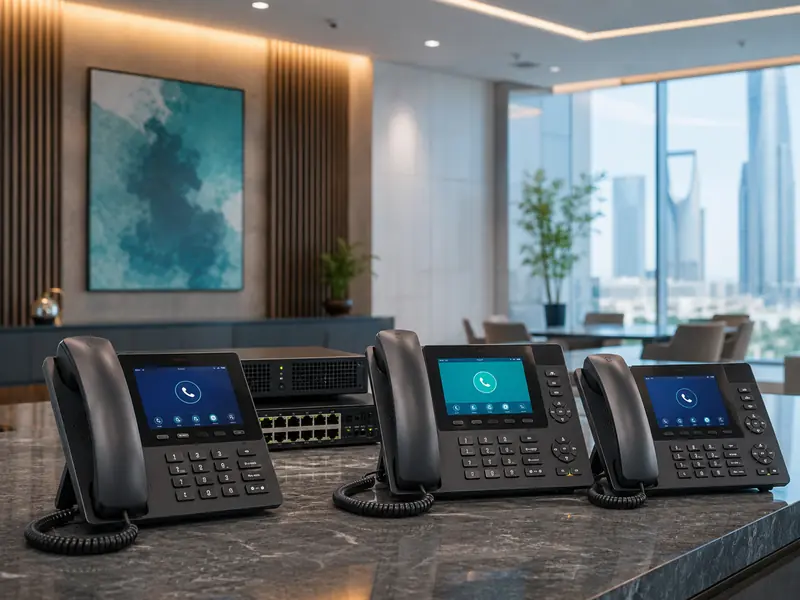
In short
We review the number of users, the lines and how calls are received before choosing the PBX and the phones.
We work with IP PBX systems and phones from several brands, including Grandstream, Yeastar, Fanvil, Panasonic and Avaya, and the Grandstream models have their own pages with specifications and a quote request.
The Modern Monitor team handles the free site survey in Riyadh, installation, configuration and testing before handover.
Three milestones in a PBX project
Before choosing hardware
We review users, line types, concurrent calls, departments and branches.
Before configuration
We define extension numbers, IVR, business hours and call routes.
Before handover
We test internal and external calls, transfer, IVR and phones within the agreed scope.
The right PBX depends on how calls are handled, not phone count alone
A small office, a multi-department company and several branches do not need the same call flow, so we define real usage before selecting equipment.
Small offices
Clear extensions and organized incoming calls without unnecessary complexity.
Companies and departments
IVR and routing to sales, accounts or support according to the workflow.
Multiple branches
Extension connectivity between sites when the network and security design support it.
Reception and service teams
Ring groups or queues to distribute incoming calls and reduce missed calls.
We explain each feature by what it does for the business
Not every company needs every PBX feature. We define the workflow first, then choose the PBX, phones and line integration that fit it.
Internal extensions
Each employee or department gets a clear internal number for faster calling and transfers inside the company.
IVR auto attendant
Greets callers and routes them to the right department instead of relying on manual transfers.
External phone lines
We verify the carrier line type first. SIP trunks are different from analog lines that may require FXO ports or a compatible gateway.
IP phones
Phones are configured with the employee name, extension, permissions and useful keys for daily work.
Ring groups and queues
Calls can ring several users or wait in a queue when required instead of being lost at one extension.
Branch connectivity
Extensions can communicate between branches after the network, internet and security requirements are reviewed.
Capacity should match real call usage
Extension count matters, but it is not the only sizing factor. Concurrent calls, line types and required features can change which PBX is appropriate.
What do we review?
- Current and expected users and extensions.
- Concurrent calls during busy periods.
- External line type from the service provider.
- Departments required in the IVR and each call route.
- Recording or reporting requirements when supported by the selected platform.
- Number of branches and the network available between them.
Important before purchase
Do not choose a PBX only because it supports a high extension count. The right system must handle the actual call load, line types and features the company needs today, with sensible room for growth.
From line review to real call testing
The goal is to hand over a call system that follows the company workflow, not simply a PBX that has been powered on and programmed.
Survey the requirement
We review users, phone lines, departments, branches and the network.
Design the call flow
We define extensions, IVR, ring groups, business hours and routing.
Install and configure
The PBX, phones, external lines and user permissions are configured.
Test
We test internal and external calls, transfer, IVR and agreed fallback routes.
Hand over
We explain the basic daily functions required by the responsible user.
Some of the models we supply
Hardware is selected after users and line types are known
We work with different IP PBX and IP phone options. Final selection depends on compatibility, capacity and required functions.
Open a model to see its specifications and request a quote. These are examples of the devices we supply; the full products page lists the other models.
Model availability and functions vary by product and project; compatibility and capacity are confirmed before supply and installation.
PBX systems and all-in-one devices
Grandstream page All Grandstream products
Other brands we work with: Yeastar Fanvil Panasonic Avaya
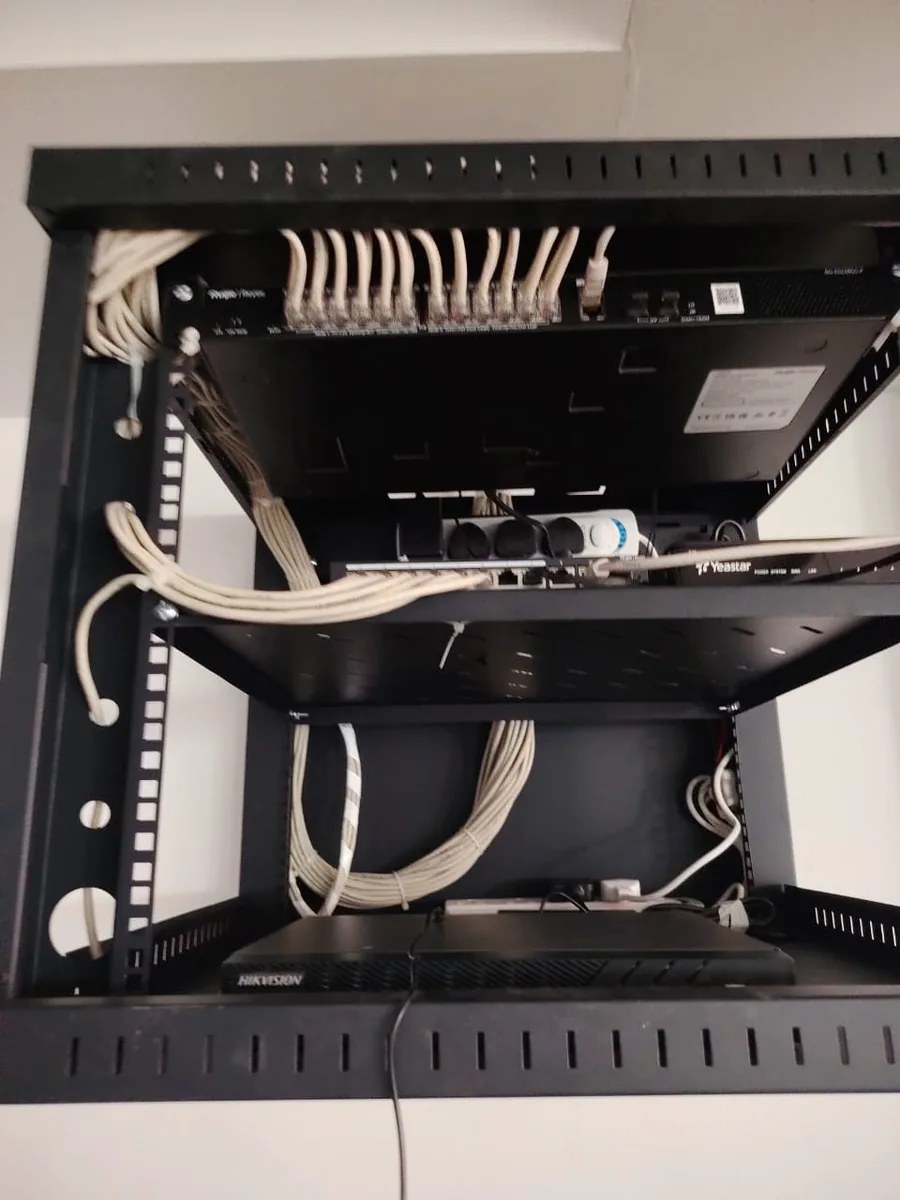
From our work
Questions before installing an IP PBX
How do I choose the right IP PBX for my company?
We size the PBX after reviewing users and extensions, concurrent calls, external line types, departments, branches and required features. Extension count alone is not enough to choose the correct capacity.
What does an IVR do?
An IVR greets callers and routes them to the appropriate department, such as sales, accounts or support, reducing manual transfers and organizing incoming calls.
Can we keep our existing phone lines?
Often yes after the line type and connection method are verified. SIP trunks differ from analog lines, which may require FXO ports or a compatible gateway.
Can multiple branches be connected?
Yes when the network and connectivity are suitable. The branch connection method is selected based on the sites, security policy and available internet rather than assuming one design for every project.
Will calls continue if the internet fails?
Internal calls on a local PBX may continue, while internet-dependent services such as SIP trunks can be affected. A backup route can be planned when continuity is required.
What is the difference between the UCM6300 and the UCM6300 Audio?
The UCM6300 Audio is a voice-focused IP PBX with chat and audio meetings and the free Wave app, while the UCM6300 adds web meetings and video conferencing. Models in each series differ in the number of users, calls and ports, and the project decides the right model.
Other services
Alarm Systems
Early warning and protection for homes and facilities.
Learn more →
Wi‑Fi Coverage
Access Points and coverage solutions for different spaces.
Learn more →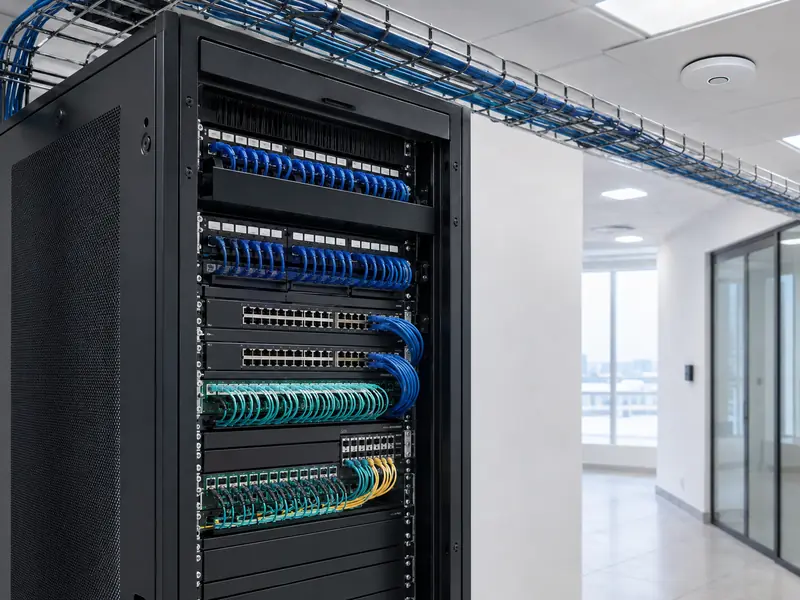
Networks
Racks, switches, data points and structured cabling.
Learn more →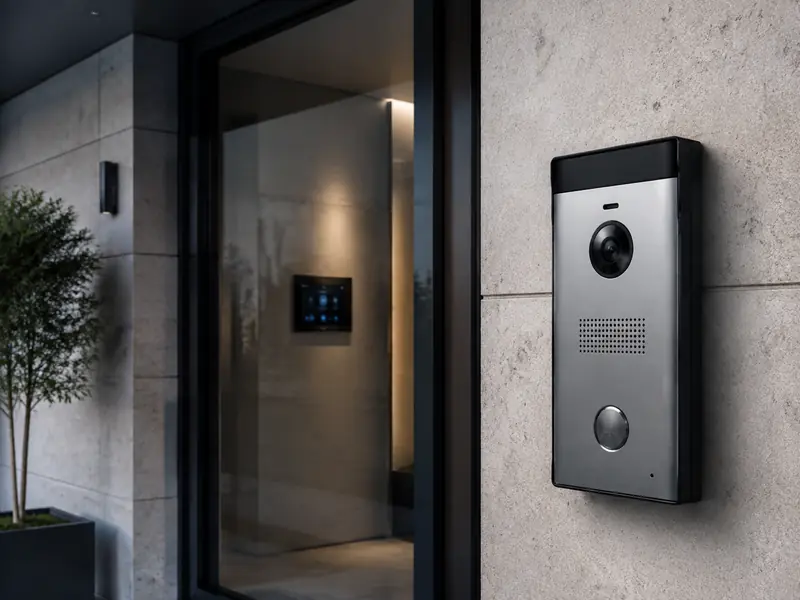
Intercom
Audio/video entry and door access integration.
Learn more →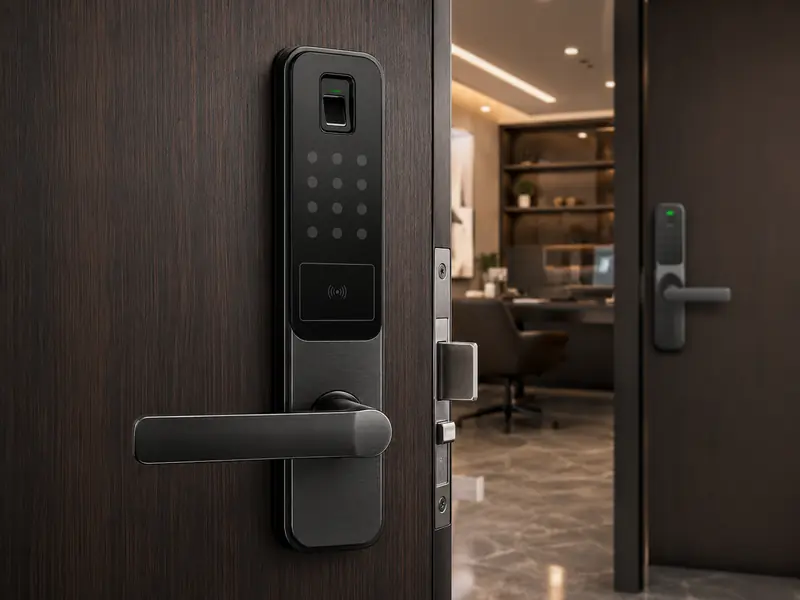
Smart Locks
Fingerprint, PIN, card and mobile access.
Learn more →
Maintenance & Support
Inspection, diagnosis and maintenance of systems.
Learn more →Need an IP PBX that fits the way your company works?
Send us the number of users, line types and branches, and we can arrange a survey to define capacity and call flow before choosing hardware.