
Room far from the router
Useful when signal exists near the target area but becomes weak inside the room.
A weak room or floor does not mean any extender will solve the issue. We review router location, signal quality at the proposed installation point, site size and usage, then decide whether a WiFi Extender is enough or an Access Point or Mesh solution is more suitable.
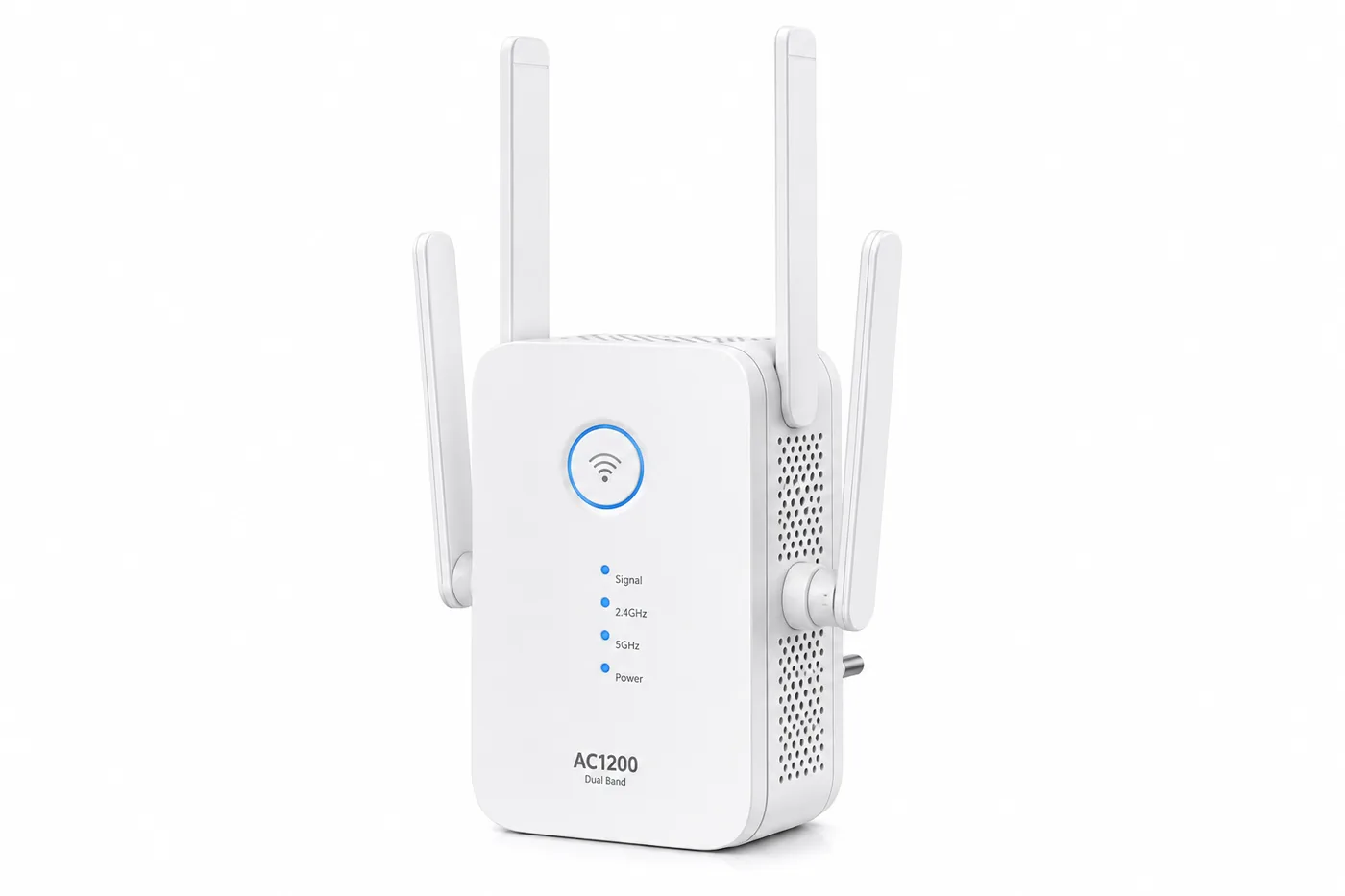 WiFi Range Extender
The goal is to improve reach into a weak area while keeping realistic expectations for connection quality.
Useful when signal exists near the target area but becomes weak inside the room.
Suitable when the site does not need a multi-AP managed wireless design.
Can be useful when running a cable for an Access Point is difficult.
After confirming device count, load and usage pattern are appropriate for this approach.
We do not choose the newest option automatically; we choose what fits the site, infrastructure and user load.
A quick way to repeat an existing signal into a relatively nearby weak area.
A wired network access point for more structured and stable wireless coverage.
Multiple nodes working as one coverage system, often useful across larger homes or multiple floors.
Identify the rooms or areas with weak coverage and the current router location.
Consider size, floors, cabling, user count and the type of network usage.
Select Extender, Access Point or Mesh instead of buying hardware before diagnosis.
Choose a suitable point and verify real coverage in the areas that matter.
No. It does not raise the subscribed internet speed. It is used to improve WiFi reach into weak areas, and the result depends on the source signal and placement.
Usually no. The extender needs a usable signal from the router, so it is normally installed between the router and the weak area.
When network cabling is available or a business site needs more stable and structured coverage, an Access Point is often the stronger option.
It can be, but the number and placement of nodes depend on the building, walls, floors and usage areas. We do not assume a node count before reviewing the site.
Send the site size, number of floors, router location and where coverage drops. We can help determine whether an extender is enough or whether Access Point or Mesh is more suitable.